Getting the details ready...
You can still explore the finished views.
Drag to look around / Pinch or scroll to zoom
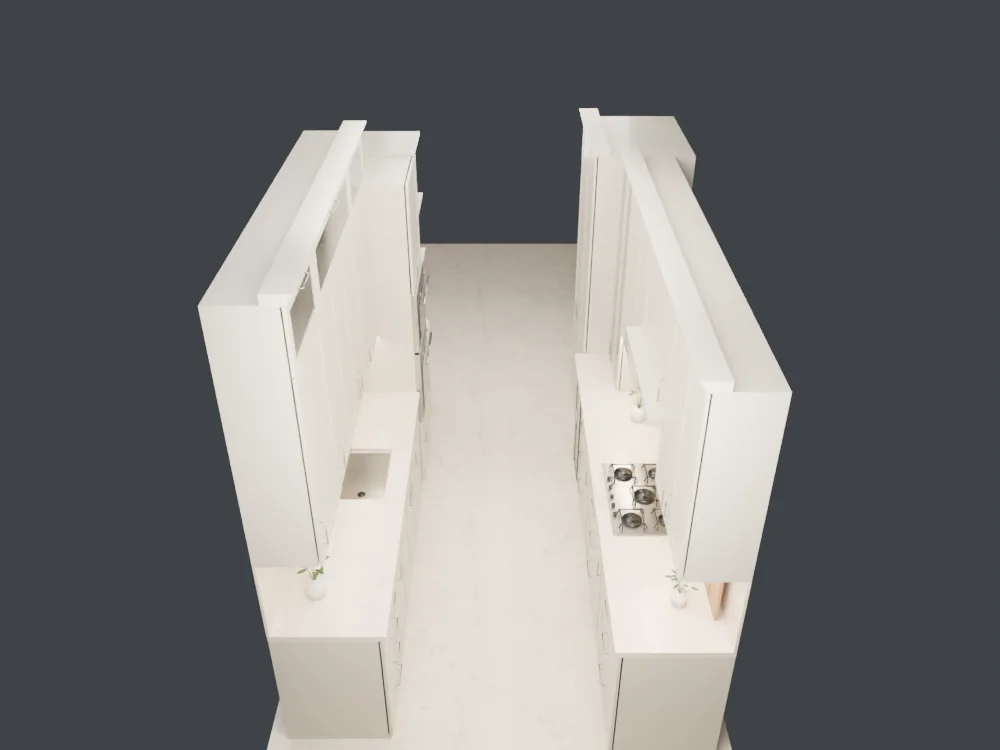
Choose a wall, then move around to see the details. Open Explore to separate cabinet parts or look inside. Open Materials to try ten finishes for each material or choose your own color.
The layout comes from the SketchUp model. Finishes and details are inspired by the reference images.